
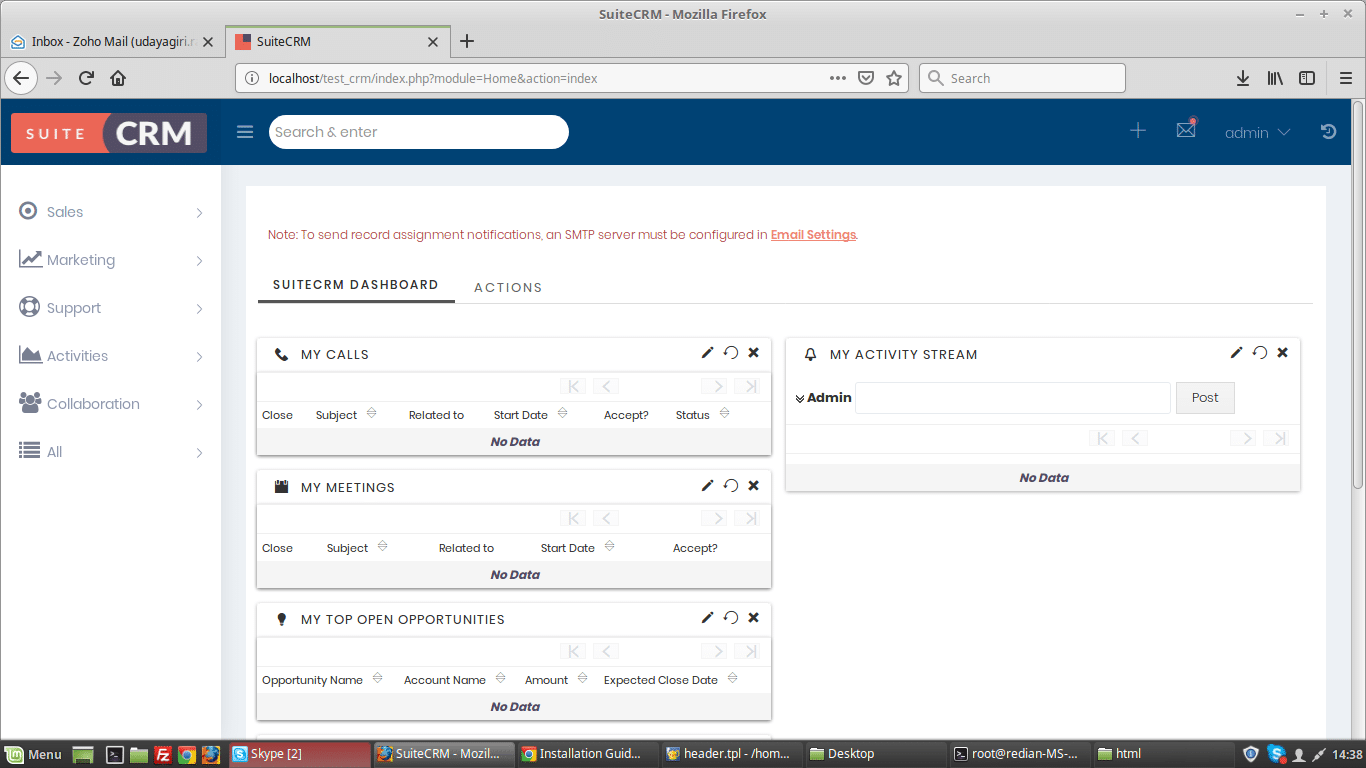
A well-designed CRM is more than just functional; it's a reflection of your brand and a tool that enhances user experience.
SuiteCRM themes offer a powerful way to personalize your CRM, making it more intuitive and aligned with your business needs.
This article delves into the world of SuiteCRM theming, offering guidance for both technical and non-technical users.
A customized CRM theme can significantly impact user adoption and productivity. A visually appealing and user-friendly interface can make daily tasks more engaging and efficient.
By personalizing your SuiteCRM, you create a workspace that feels tailored to your team’s specific needs and your company's brand identity.
While the SuiteCRM store offers many themes, you might want to explore free options first. Here's what to consider regarding suitecrm themes free:
**
Built-in SuiteP Sub-themes
**
**
Since SuiteCRM 7.10, the SuiteP theme includes sub-themes such as Dawn, Day, Dusk, and Night, offering different colour palettes that you can access through your user profile. These are a good starting point if you want a quick and easy change.
**
Community Developed Themes
**
**
Keep an eye on the SuiteCRM forums and community sites for free themes contributed by users. While these may not be as polished as paid themes, they can provide a cost-effective way to change your CRM's look.
**
SpecInfo Theme
**
**
This theme is based on the SuiteP theme and offers quick access to actions through a left-side menu, featuring a responsive and modern design.**Keep in mind that while free suitecrm themes are readily available, they may not offer the same level of customization or support as premium options.
Keep in mind that while free suitecrm themes are readily available, they may not offer the same level of customization or support as premium options.
SuiteCRM is one of the most powerful and customizable open-source CRM tool. Redian Software has come up with an updated, neat & clean interface for SuiteCRM.
Benefits / Key Features of Redian Pro Theme
1.Theme Style Builder
- New Login Page
- Main Menu Navigation panel on left side
- Recently Viewed / Favourite panel on right side
- New Edit View look and feel
- New Detail View look and feel
- New List View look and feel
- Sub-panels
- Responsive
- Google Font Family
- User can create new theme style
- Decent colour of theme
- Safe upgrade
*
Download 30 days demo free from https://bit.ly/33G02Dk or contact at [[email protected]](/cdn-cgi/l/email-protection#82ebece4edc2f0e7e6ebe3ecf1ede4f6f5e3f0e7ace1edef) to know more about the theme.
Here’s a simplified guide to customize your SuiteCRM theme:
-
*
###
Extending the Existing Theme
• Start by copying the style.php file from the SuiteP theme to your custom folder (custom/themes/SuiteP/).
• Add a new option in the style.php file to define your custom theme name and label.
// Example in style.php
'my_custom_theme' => 'My Custom Theme Label',
-
**
###
Adding Language Labels
• Add language labels in custom/modules/Users/language/en_us.lang.php.
// Example in en_us.lang.php
'my_custom_theme' => 'My Custom Theme Label',
• Also, add language labels in custom/Extension/modules/Users/Ext/Language/en_us.lang.php.
// Example in custom/Extension/modules/Users/Ext/Language/en_us.lang.php
'my_custom_theme' => 'My Custom Theme Label',
-
**
###
Repair and Rebuild
• Go to the Administration panel and run "Repair and Rebuild" so that your new theme appears as an option.
-
**
###
Selecting Your Theme
• Navigate to your profile, then "Layout Options," and select your new theme.
-
**
###
Copying CSS Files
• Copy the CSS folder of the theme you want to emulate (e.g., Dawn) to the themes folder, not the custom folder.
• Rename the copied CSS folder to your new theme’s name. For example, if you copied the "Dawn" theme, you might name your copy "my_custom_theme".
-
**
###
Using Sass for CSS Customization
• Install Sass, a CSS preprocessor that helps in creating more maintainable CSS.
- On MacOS, you can use
brew install sass
• Use the Sass command to convert your style.scss file to a style.css file, which will be used by your theme.
sass path/to/your/style.scss path/to/your/style.css
• Modify the style.scss file (e.g., change color variables) to customize your theme. The changes will then be reflected on your site after running the command.
When choosing between premium and free suite crm themes, consider these points:
Feature**
Free SuiteCRM Themes
Premium SuiteCRM Themes
Cost
Free to use
Paid (one-time purchase or subscription)
Customization
Limited options for color, layout, and components
Extensive customization options including theme builders, new layouts, and custom components
Support
Limited or no direct support
Dedicated support from the theme developer
Features
Basic theme variations
Advanced features like new login pages, navigation panels, responsive design, and theme style builders
Updates
Irregular updates, may not be compatible with the latest SuiteCRM versions
Regular updates, maintained for compatibility with newer SuiteCRM versions, and often include new features and bug fixes.
Professionalism
May have a basic or default appearance
Polished, professional-looking themes that can enhance your brand image
Examples
SuiteP default themes, community themes
Redian Pro Theme, which offers a style builder, enhanced UI, and responsive design
Premium themes, like Redian Pro, come with benefits such as a theme style builder, new login pages, and improved layouts for list views and detail views. They also ensure compatibility with various SuiteCRM versions.
- Use Sass: Leverage Sass to create maintainable and scalable CSS.
- Optimize Images: Use optimized images to improve page load times.
- Test Thoroughly: Test your theme on different browsers and devices to ensure a consistent experience.
- Maintain a Backup: Keep a backup of your original theme files before making changes.
- Minimize Overrides: Try to minimize the number of CSS overrides to avoid conflicts and improve performance.
- Browser Cache: If changes are not reflected, clear your browser's cache.
- File Paths: Make sure the CSS file paths in your custom theme are correct.
- Permissions: Ensure file permissions are set correctly so SuiteCRM can access the theme files.
- Sass Errors: Check Sass command outputs for errors that may prevent your style.css file from being created correctly.
Ready to elevate your SuiteCRM experience with a custom theme?
Contact Redian Software today to explore our expert SuiteCRM theme development and customization services.
We specialize in creating bespoke themes that perfectly match your business needs and brand identity.
Stay current with our insights
One monthly email. Banking, insurance, AI/ML and CRM field notes. No spam.
We respect your privacy. Read our Privacy Policy.
Keep reading
More from CRM

CRM
MEA Zoho Partner Technical Workshop 2026: 7 Game-Changing Takeaways
Discover 7 powerful insights from the MEA Zoho Partner Technical Workshop 2026 in Nairobi. Learn how Zia Agents, agentic automation, and Zoho RPA are transforming business operations across Africa. By Redian Software, Advanced Zoho Partner
19 May 2026
CRM
Data privacy in CRM — why SuiteCRM is ideal for regulated industries
For banks, insurers and fintechs, data sovereignty isn't optional. Why open-source SuiteCRM remains the right call for regulated CRM workloads.
06 Apr 2026
CRM
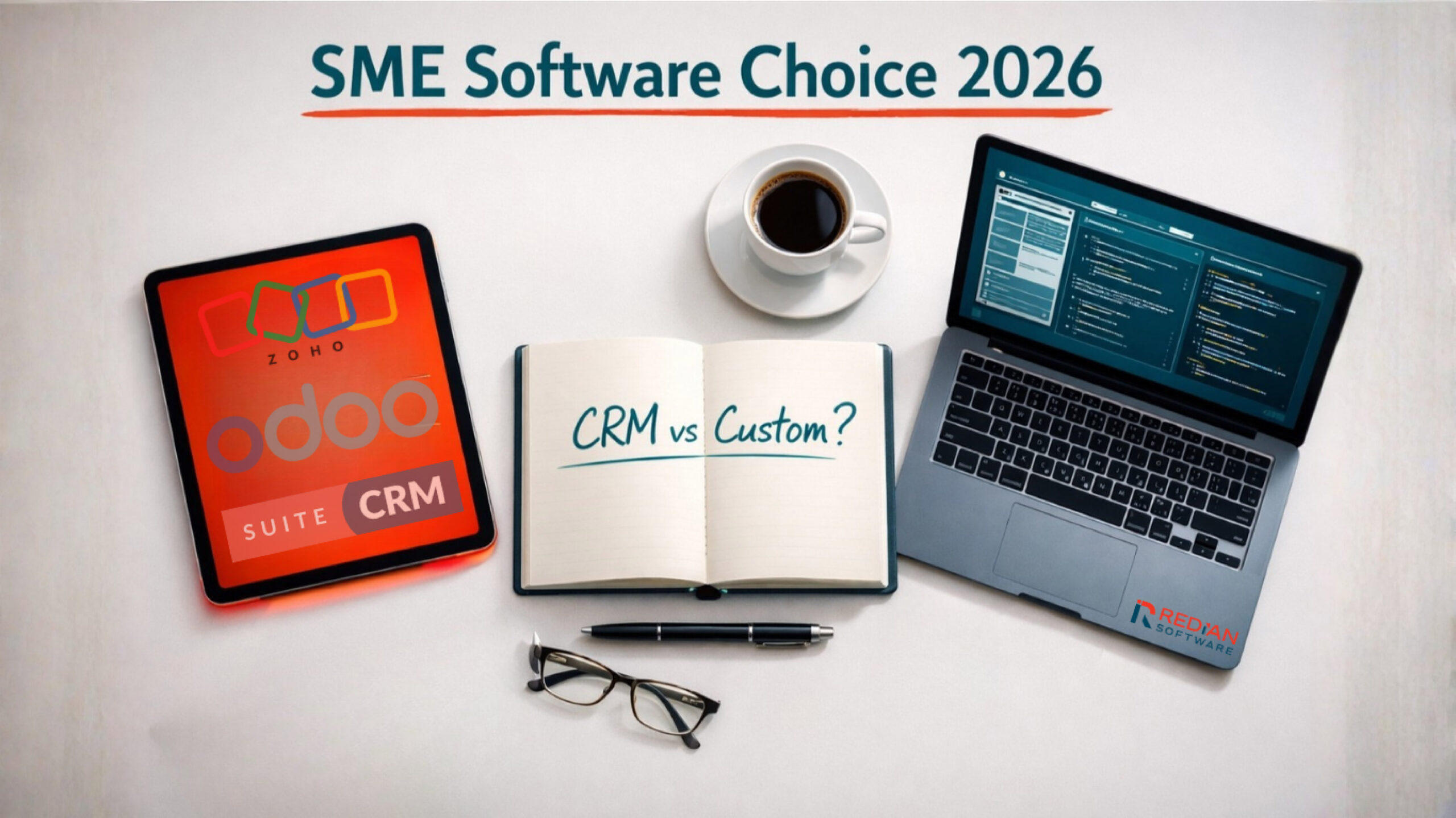
CRM vs custom software — Zoho, Odoo, SuiteCRM guide for SMEs
The 2026 decision tree for SME and mid-market: when to pick CRM platforms (Zoho, Odoo, SuiteCRM) and when to build custom software instead.
29 Jan 2026
Build with Redian
Have a similar build in mind?
We've shipped crm systems for banks, insurers, brokers, MFIs, SACCOs and enterprises across the USA, UK, Africa, UAE and India. Book a 30-min call with a senior engineer — no pitch deck, just a sharp first read on your initiative.
- CMMI Level 3 Appraised · ISO Certified delivery
- 1 business day response · NDA on request
- Senior engineers, not sales — first call