
A step by step guide on how to create a dynamic dashboard with Zoho Creator
Redian Software, a leading Zoho Authorized Partner in India, Kenya and Middle East, can help you create powerful software applications tailored to your business needs.
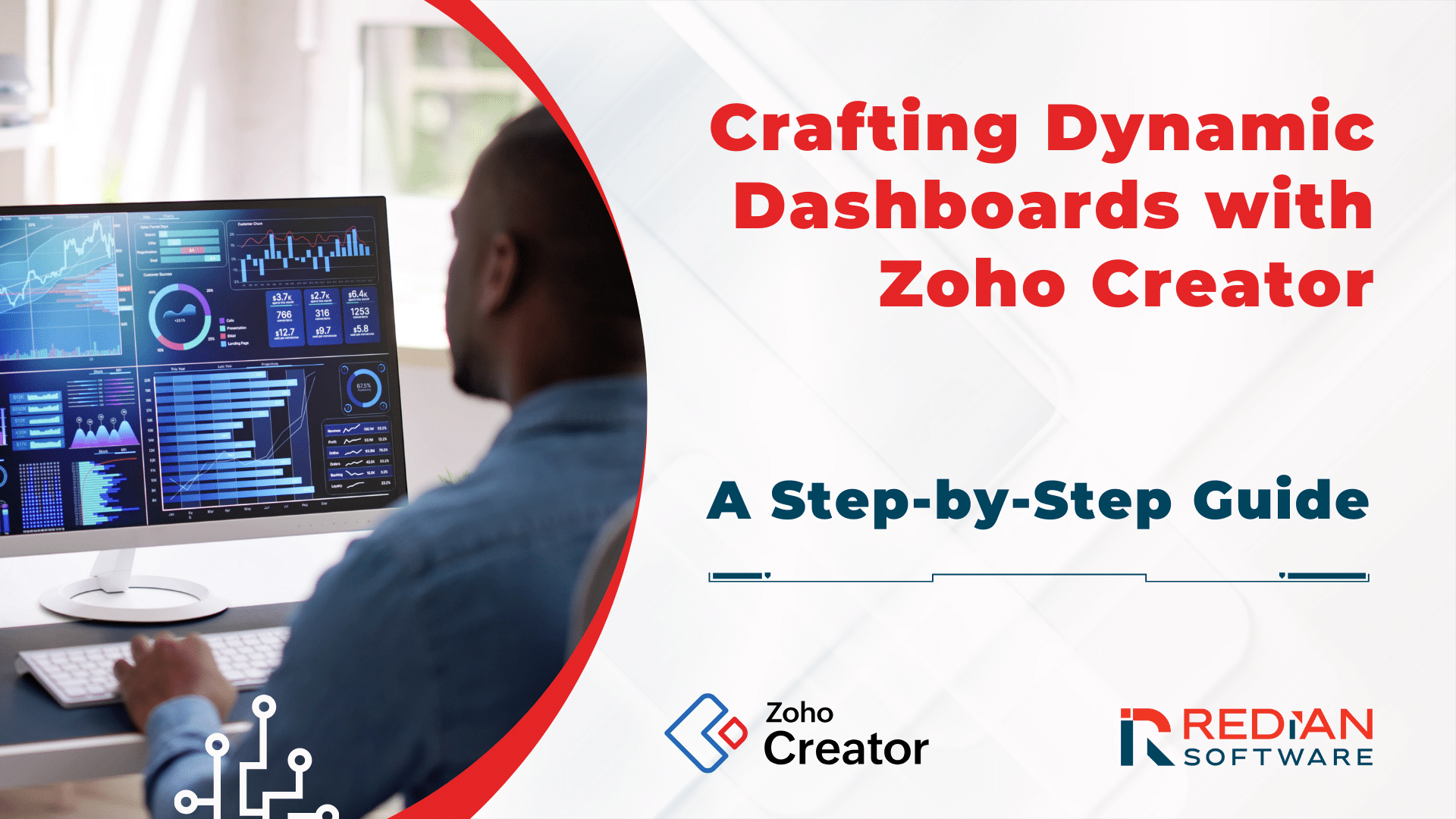
In the rapidly changing and highly competitive digital landscape of today, the ability to visualize and interact with data in real time through dynamic dashboards has become a necessity for businesses and projects alike. This is where Zoho Creator comes into play – a powerful platform that allows developers to create bespoke dashboards tailored to their unique requirements. As a Zoho Authorized Partner in Kenya, we are fully aware of the potential of this tool and are dedicated to helping our clients unleash their full power. With this guide, we aim to provide developers with all the essential insights they need to create exceptional dashboards in Zoho Creator and surpass their data visualization needs. Trust us to help you stay ahead of the curve and achieve unprecedented success in your business or project!
**
Step 1: Starting Your Dashboard Journey
To begin creating your dashboard in the Zoho Creator application, first go to the backend and start a new page. You can either create a page from scratch or use a predefined template. Once you have named your dashboard, you can start designing it using the editor. The editor has a user-friendly drag-and-drop interface that allows you to easily add components such as charts, reports, forms, and buttons to your dashboard layout.
Step 2: Enhancing with HTML and XML Snippets
If you are a developer looking to customize your dashboard, you can embed HTML and XML snippets to integrate external content, style it with CSS, or add interactive elements. This allows you to design a unique dashboard that offers a personalized user experience tailored to your specific requirements.
Step 3: Dynamic Interactivity with Functions
Zoho Creator offers a powerful capability that allows you to create dynamic dashboards by invoking functions within HTML and XML snippets. This means that you can define and execute various tasks on the fly, which enhances the interactivity and functionality of your dashboards. With this feature, you can create a unique and engaging user experience that responds to user actions in real time. This feature is particularly useful when creating dashboards that require a high level of interactivity and responsiveness.
Step 4: Utilizing Page Variables
Page variables serve as linchpins in dynamically displaying data on your dashboard. By defining these variables and scripting workflows to assign values, ensure that your dashboard elements reflect real-time data or user-specific information, delivering a personalized dashboard experience.
Step 5: Tailoring Your Dashboard's Aesthetic
The appearance of your dashboard plays a crucial role in keeping your users engaged. Zoho Creator offers a range of customization choices, such as color schemes, fonts, background images, and alignments. You can personalize your dashboard's style to match your project or brand's visual aesthetic. This will help you create a cohesive and visually appealing presentation that will captivate your users.
In conclusion, crafting dynamic dashboards in Zoho Creator is a simple and powerful task. By following these steps, developers can effectively witness the platform's capabilities to visualize data effectively. Whether you aim to present data insights, monitor project progress, or gauge business performance, Zoho Creator's dashboard feature equips you with the tools to create a customized, interactive, and visually compelling dashboard.
This guide highlights the ease and flexibility of Zoho Creator in designing dashboards that are both functional and visually appealing while being highly tailored. By utilizing these features, developers can transform data into actionable insights, presented in a user-friendly and interactive way. We, Redian Software, as a trusted Zoho Authorized Partner in Kenya, India, and Middle East, our Zoho development company is fully equipped to help you unleash the full potential of Zoho Creator for your dashboard requirements. Whether you need advice, customization, or implementation, our expertise ensures a smooth journey towards creating dynamic dashboards.
Stay current with our insights
One monthly email. Banking, insurance, AI/ML and CRM field notes. No spam.
We respect your privacy. Read our Privacy Policy.
Keep reading
More from CRM

CRM
MEA Zoho Partner Technical Workshop 2026: 7 Game-Changing Takeaways
Discover 7 powerful insights from the MEA Zoho Partner Technical Workshop 2026 in Nairobi. Learn how Zia Agents, agentic automation, and Zoho RPA are transforming business operations across Africa. By Redian Software, Advanced Zoho Partner
19 May 2026
CRM
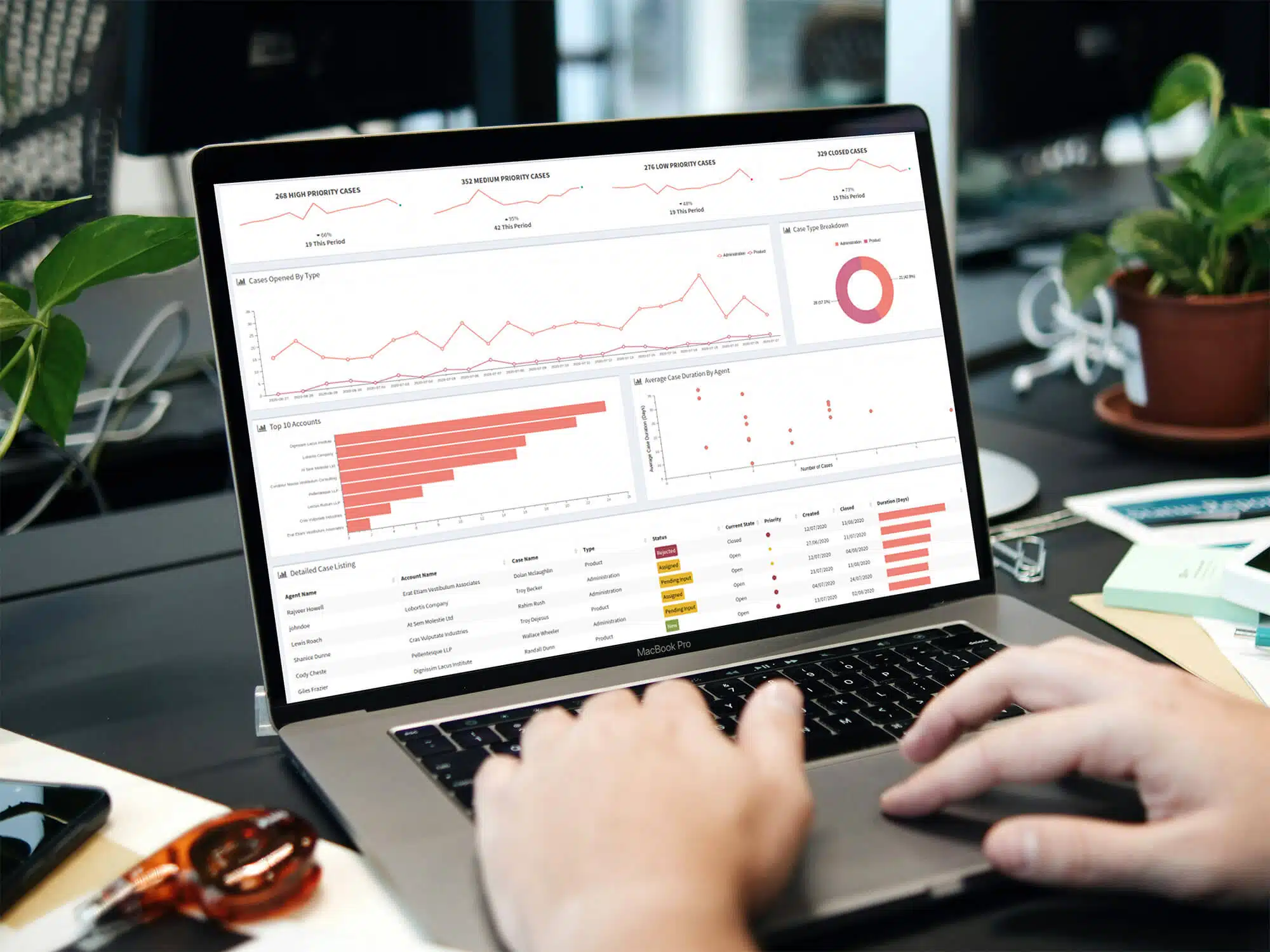
Data privacy in CRM — why SuiteCRM is ideal for regulated industries
For banks, insurers and fintechs, data sovereignty isn't optional. Why open-source SuiteCRM remains the right call for regulated CRM workloads.
06 Apr 2026
CRM
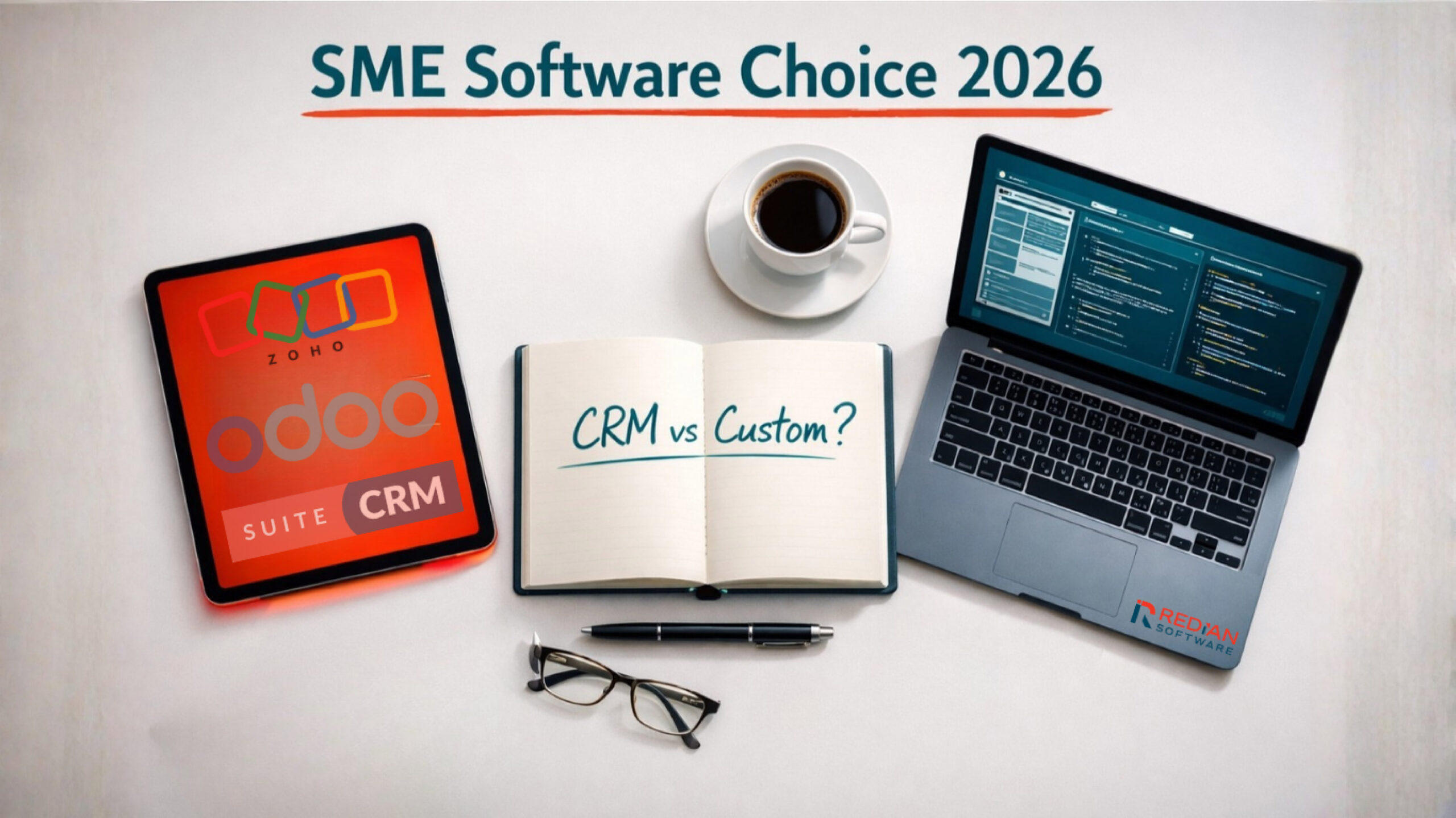
CRM vs custom software — Zoho, Odoo, SuiteCRM guide for SMEs
The 2026 decision tree for SME and mid-market: when to pick CRM platforms (Zoho, Odoo, SuiteCRM) and when to build custom software instead.
29 Jan 2026
Build with Redian
Have a similar build in mind?
We've shipped crm systems for banks, insurers, brokers, MFIs, SACCOs and enterprises across the USA, UK, Africa, UAE and India. Book a 30-min call with a senior engineer — no pitch deck, just a sharp first read on your initiative.
- CMMI Level 3 Appraised · ISO Certified delivery
- 1 business day response · NDA on request
- Senior engineers, not sales — first call